Finding the Perfect Stream: My Homelab Media Server Journey
Talk About My Media Server
First published on Medium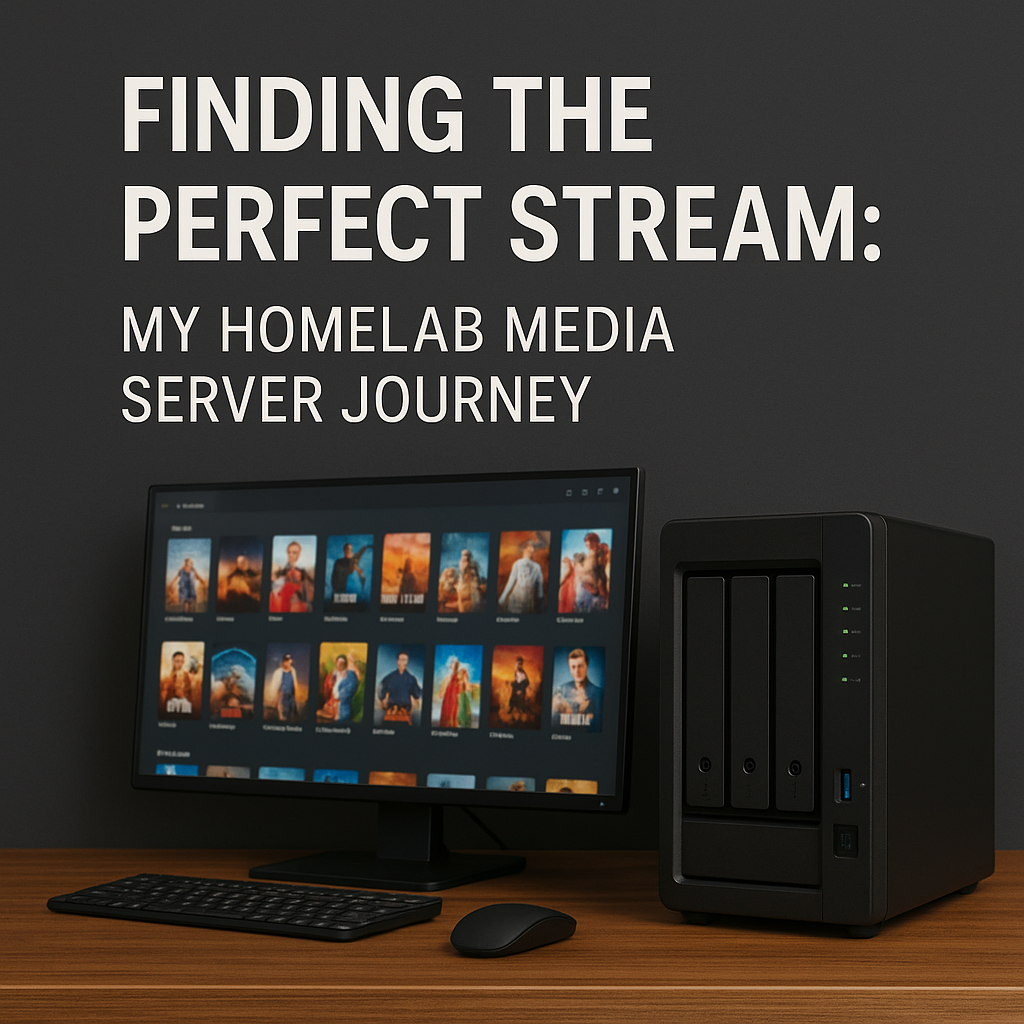
AI Generated Banner
Why I Wanted My Own Media Server
Since the popularity of smart devices, I have been storing tons of photos, videos, audios, and music, which were stored on my iCloud. iCloud is a great solution for me, and I am still using it intensively. However, there are some contents I would like to store privately, or they just don’t really need to be uploaded to a cloud. Moreover, iCloud is integrated with the Apple ecosystem, while its support on other platforms like Windows and Linux is not good, or even incompatible.
As a result, when my idea of rebuilding the homelab was growing, a personal media server became almost the first thing on the task list.
Picking the Right Tools for the Job
There are two basic components for a private media server: software and storage. I will introduce what tools are running on mine.
Storage
TLDR: Synology DS925+ DiskStation with 2 4TB HDD
A media server always requires a large disk space, as the contents are large, like high-res photos, 4K with high bit rate videos, etc. Furthermore, I need a storage for backups, and running as a file system for other homelabbing purposes. A NAS looks like a future-proved solution for me.
Yeah, two 4TB HDDs are not much based on what I said. It’s actually more of a budget concern, and I hope to upgrade to four 16TB HDDs when my data grows.
I have been using it for a few months already, and I love it. Synology has great software that allows me to manage content, security, and accessibility easily. Since the media server software runs on a micro PC, Synology software made it super easy to configure all the mounts and permissions. My only complaint is the price tag lol.
Software
TLDR: Jellyfin, *arr, qBittorrent, Tailscale, Synology Photos
Jellyfin is the core of the media server stack, which is the UI to manage my media libraries. I like their cross-platform support so that I can watch content on my phone, laptop, tablet, or TV. The UI is clean and easy to learn, too.
`*arr` refers to a group of software whose names end with `arr`, such as Sonarr and Radarr. The whole group contains many powerful software, while I use Sonarr and Radarr for metadata handling, renaming, organisation, and library updates.
qBittorrent is a download client that I sometimes use when I have to handle private or self-hosted content transfer. My *arr software has been integrated with it as the primary download manager.
Tailscale is a mesh VPN service that creates a secure and private network within my devices regardless of their locations. It is the main network solution of my homelab that handles all the local and remote connections. Of course, I used Tailscale to connect the media server.
Synology Photos is used to manage my photos across my devices. I didn’t sync all the photos, but I categorised and synchronized them through this software. It’s working great as it has a native app on iOS and iPadOS.
The Setup
Except for the Synology DS925+ DiskStation mentioned above, I have been using the HP EliteDesk 800 G6 Mini as the main server with a K3s cluster running on it.
As a DevOps Engineer, I treat this as an opportunity to practice. I use a GitOps strategy for the service deployments. The definition is stored on my self-hosted GitLab EE server, and the deployments are done by ArgoCD.
With this setup, I have many fewer headaches while handling the upgrades or disaster recovery. Since all the services are running on the same cluster, they can communicate with each other internally.
If you are interested in how I deploy on a K3s cluster, subscribe to me, and I will write another article to explain the whole setup.
What I’d Do Differently Next Time
So far, I don’t have many complaints about the setup, but if you ask me now, I would say the file structure design.
A media server requires intensive use of storage that often creates, deletes, or moves files. I didn’t plan for the directory structure very well, so it’s a bit confusing while setting up the media library on Jellyfin. It’s definitely a big thing to do differently next time.
If you are planning to set up yours, you should seriously consider it before anything else. Migration in the future is a pain.
The Payoff: Seamless Streaming at Home
Now, every show and movie I own is right there — organized, synced, streaming flawlessly across every screen in the house. It’s fast and reliable, no matter where I am. It’s not just about streaming at home; it’s more about owning the whole thing.
For sure, there is always a next step, like more HDDs, 10GbE upgrade, automations, etc. Homelab will never be done. Stay tuned for the next update!