How to deploy Helm Chart when Values in private Git repository by ArgoCD
This project will show you how to deploy Jenkins server from official Helm repository on a K3S cluster with a custom values.yaml from a…
First published on Medium
This project will show you how to deploy Jenkins server from official Helm repository on a K3S cluster with a custom values.yaml from a private Git repository by using ArgoCD.
Helm is a common package manager for Kubernetes, which you can use to define, install or upgrade your Kubernetes application.
ArgoCD is a declarative GitOps continuous delivery tool for Kubernetes. You can use it to automate the deployment to your Kubernetes cluster. Unlike other CD tools, ArgoCD pulls the information of your branches, tags or a specific version at a Git commit, then track the application status to ensure it is at desired state.
Tech stack used
- K3S cluster
- Helm v3.12.3
- ArgoCD v2.8.4
Make sure the following item is available in your machine,
- kubectl
- helm v3
- A running K3S cluster
This lab expects you have a running K3S cluster. You can refer to their official documentation to install your own K3S cluster.
Installation | K3sThis section contains instructions for installing K3s in various environments. Please ensure you have met the… docs.k3s.ioDeploying ArgoCD
The first thing is to deploy ArgoCD on your cluster. It is easiest way to try deploying with ArgoCD as it allows itself on provisioning resources in the same cluster. You can configure it to control other Kubernetes cluster if you need.
In this project, we will deploy the complete ArgoCD with UI as to visualize our steps easily.
Run following commands to,
- Create a new namespace
argocd - Deploy the stable version of ArgoCD in the newly created namespace
kubectl create namespace argocd
kubectl apply -n argocd -f https://raw.githubusercontent.com/argoproj/argo-cd/stable/manifests/install.yaml
The pods should be up and running after a minute. You can check by using,
kubectl get pods -n argocd
You should see an output like this,

As the default installation includes a self-signed certificate, it makes you cannot access without some custom configuration. There are multiple official ways of customisation, and we will be enabling the insecure flag with a NodePort service in this project, by applying below YAML file to your cluster.
Notes: It is always recommended to update resources by separate manifest file rather than directly edit the resources.
---
apiVersion: v1
kind: ConfigMap
metadata:
  labels:
    app.kubernetes.io/name: argocd-cmd-params-cm
    app.kubernetes.io/part-of: argocd
  name: argocd-cmd-params-cm
data:
  server.insecure: "true"
---

apiVersion: v1
kind: Service
metadata:
  labels:
    app.kubernetes.io/component: server
    app.kubernetes.io/name: argocd-server
    app.kubernetes.io/part-of: argocd
  name: argocd-server
  namespace: argocd
spec:
  ports:
  - name: http
    port: 80
    protocol: TCP
    targetPort: 8080
  - name: https
    port: 443
    protocol: TCP
    targetPort: 8080
  selector:
    app.kubernetes.io/name: argocd-server
  sessionAffinity: None
  type: NodePort
Get the NodePort number of the ArgoCD server by,
kubectl get svc argocd-server -n argocd
You should see something like,

Now you can access your ArgoCD UI through http://localhost:[Port].
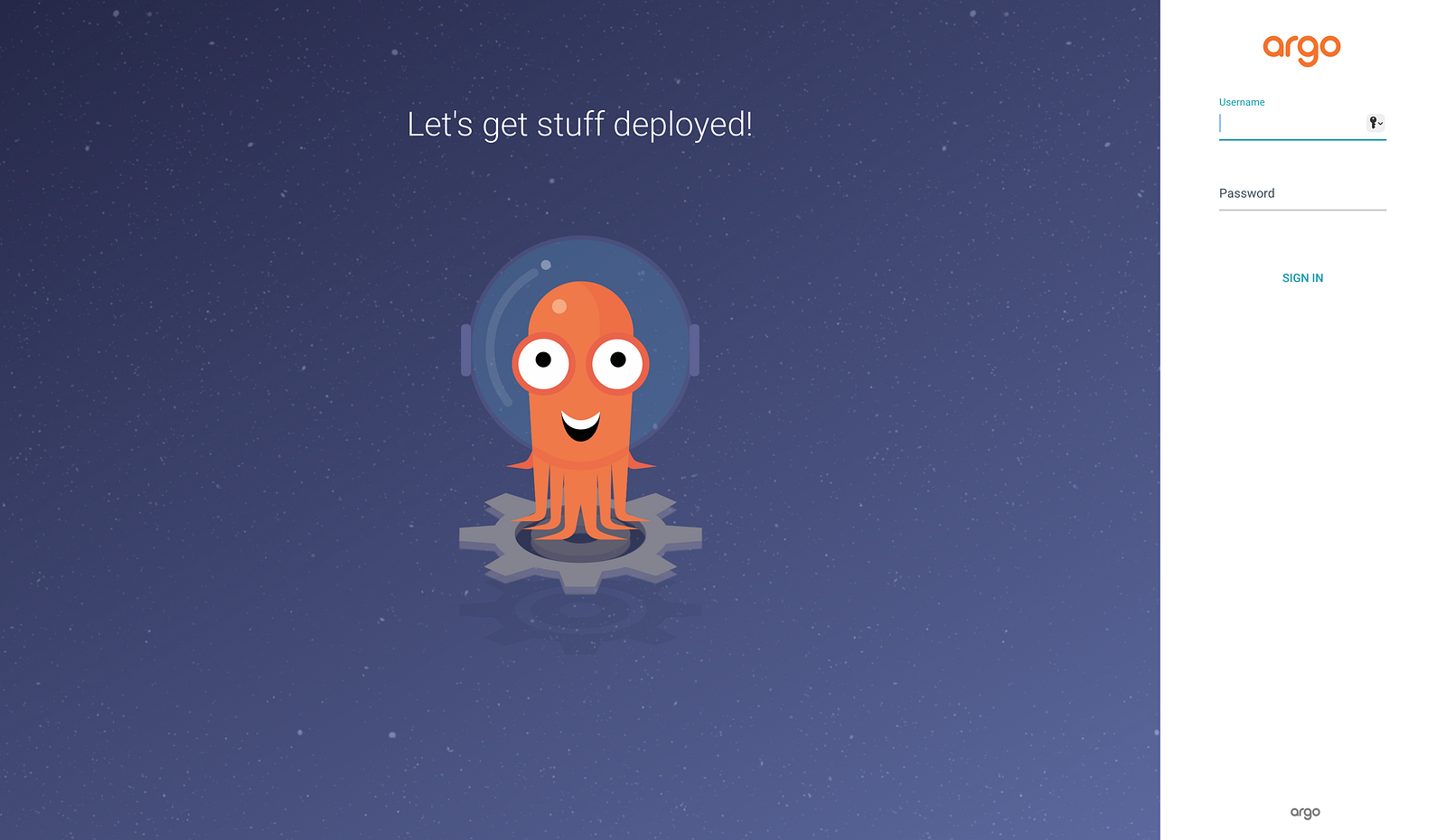
By default, the username is admin and you can get your password by,
kubectl -n argocd get secret argocd-initial-admin-secret -o jsonpath="{.data.password}" | base64 -d
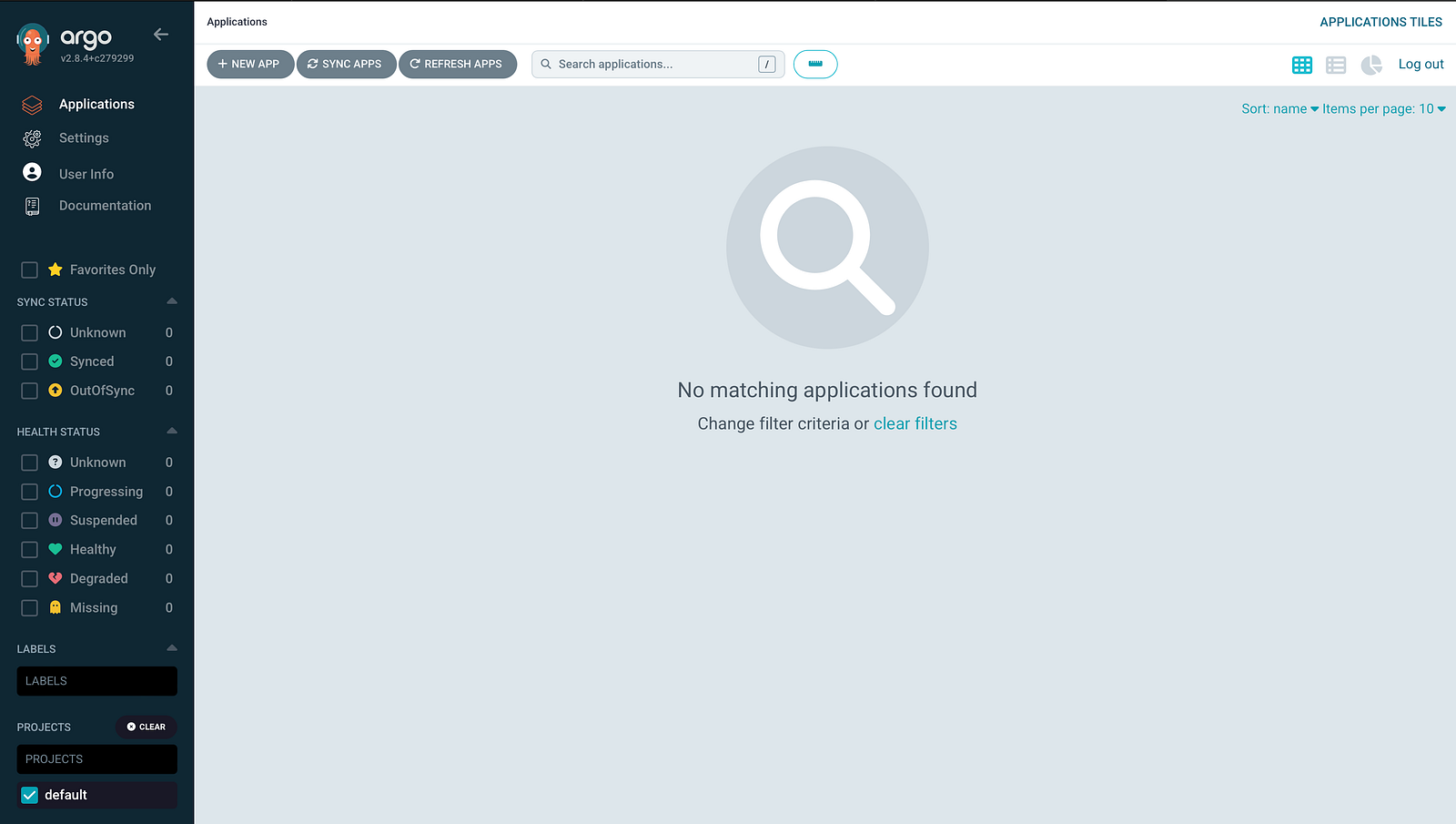
After login, the landing page should be something similar.
Deploying Jenkins by ArgoCD
Now it is the main part of this project, which is deploying a Jenkins server from the official Helm Chart, and using a custom values.yaml located at your private Git repository.
Connect to the private Git repository
To allow ArgoCD pulling the values.yaml from your Git repository and track its state, we need to first setup the connection between ArgoCD and your private Git repository. We can easily do it on UI.
Settings > Repositories
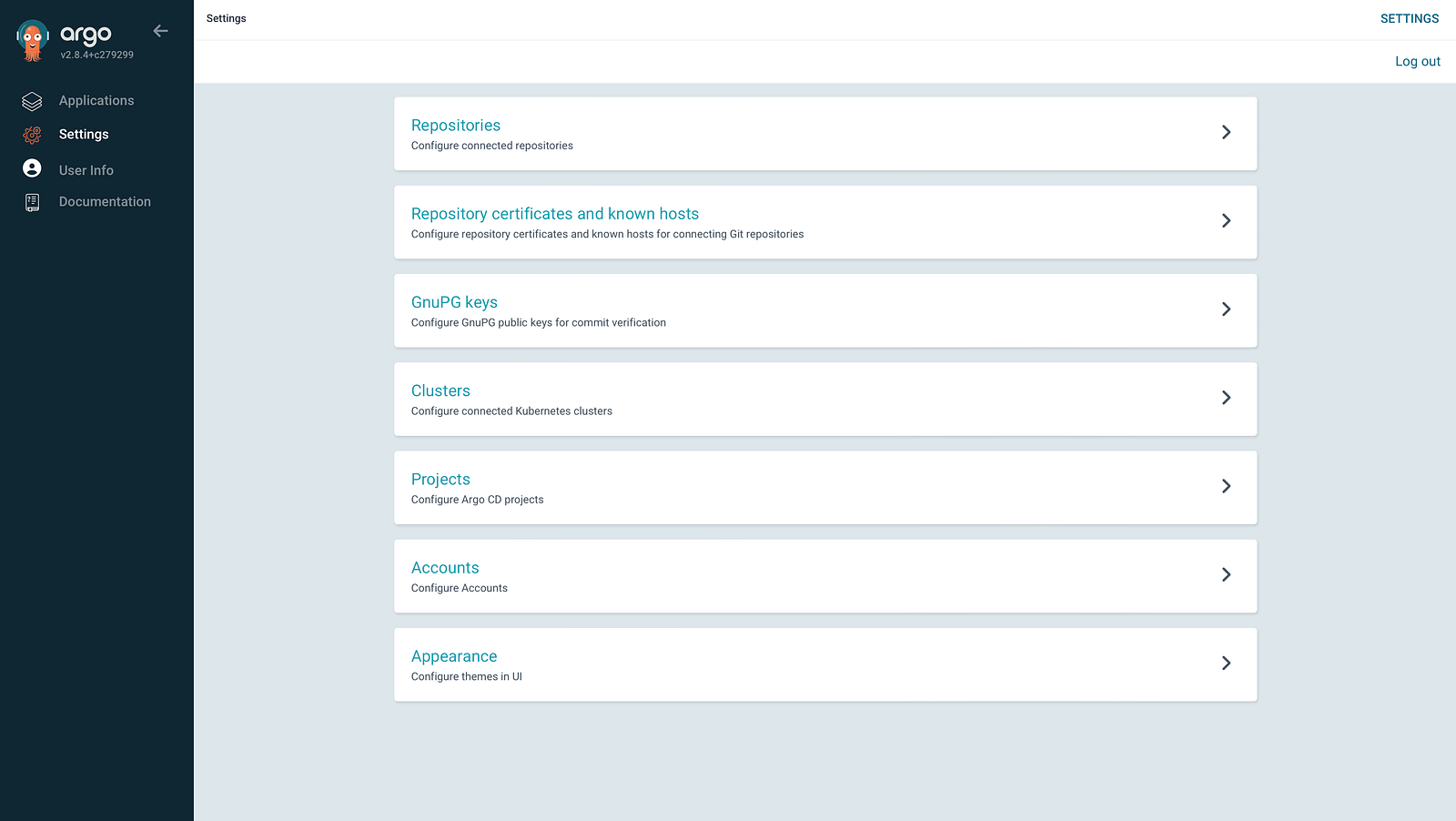
Click +CONNECT REPO at left top corner
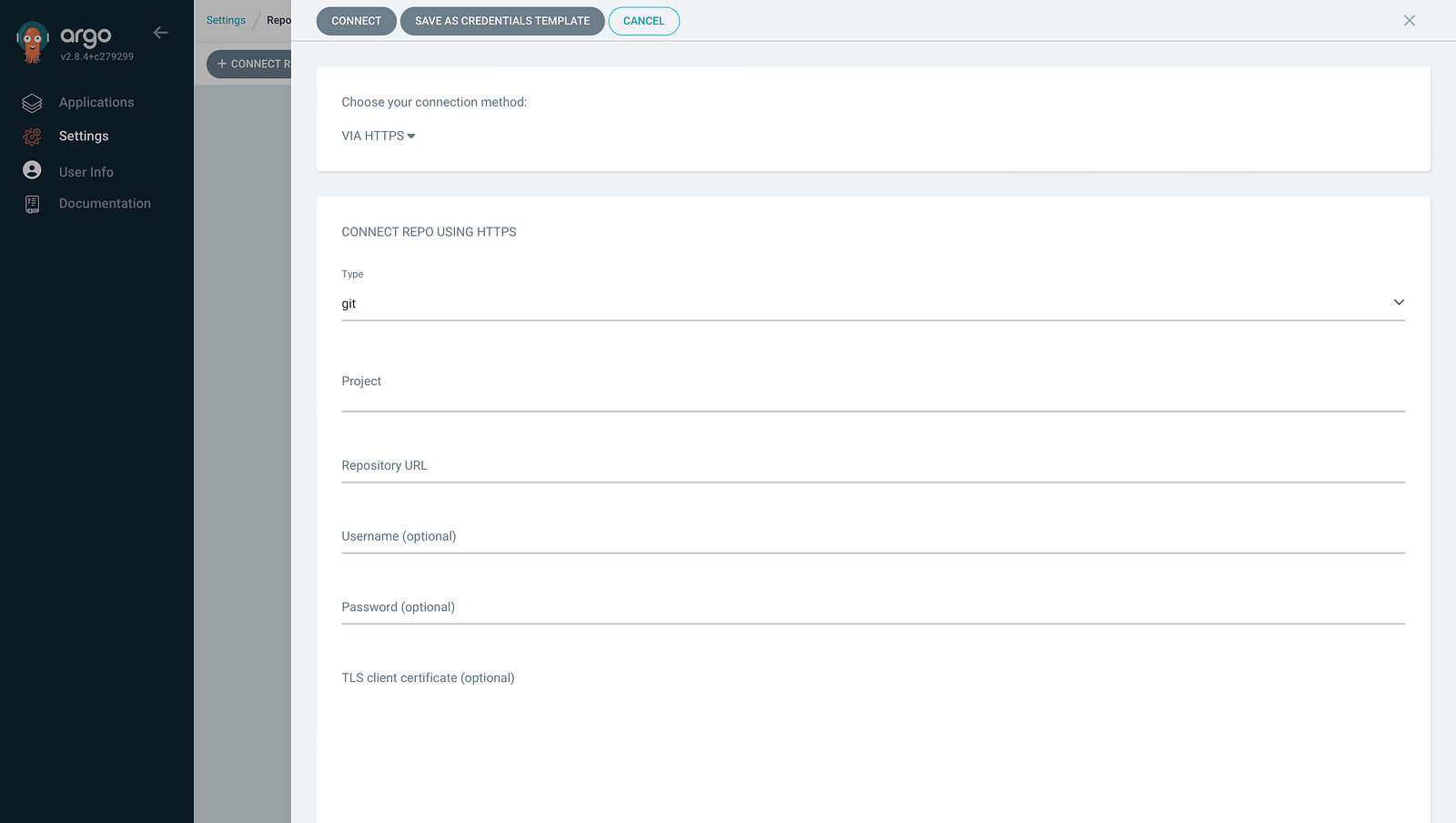
Fill up the form with your private Git repository URL storing the values.yaml file and choose your authentication method. In this project, we use HTTPS to connect to a private GitLab repository. Click the CONNECT button after filled the form.
Then, you should see a new connected repository with a successful status.
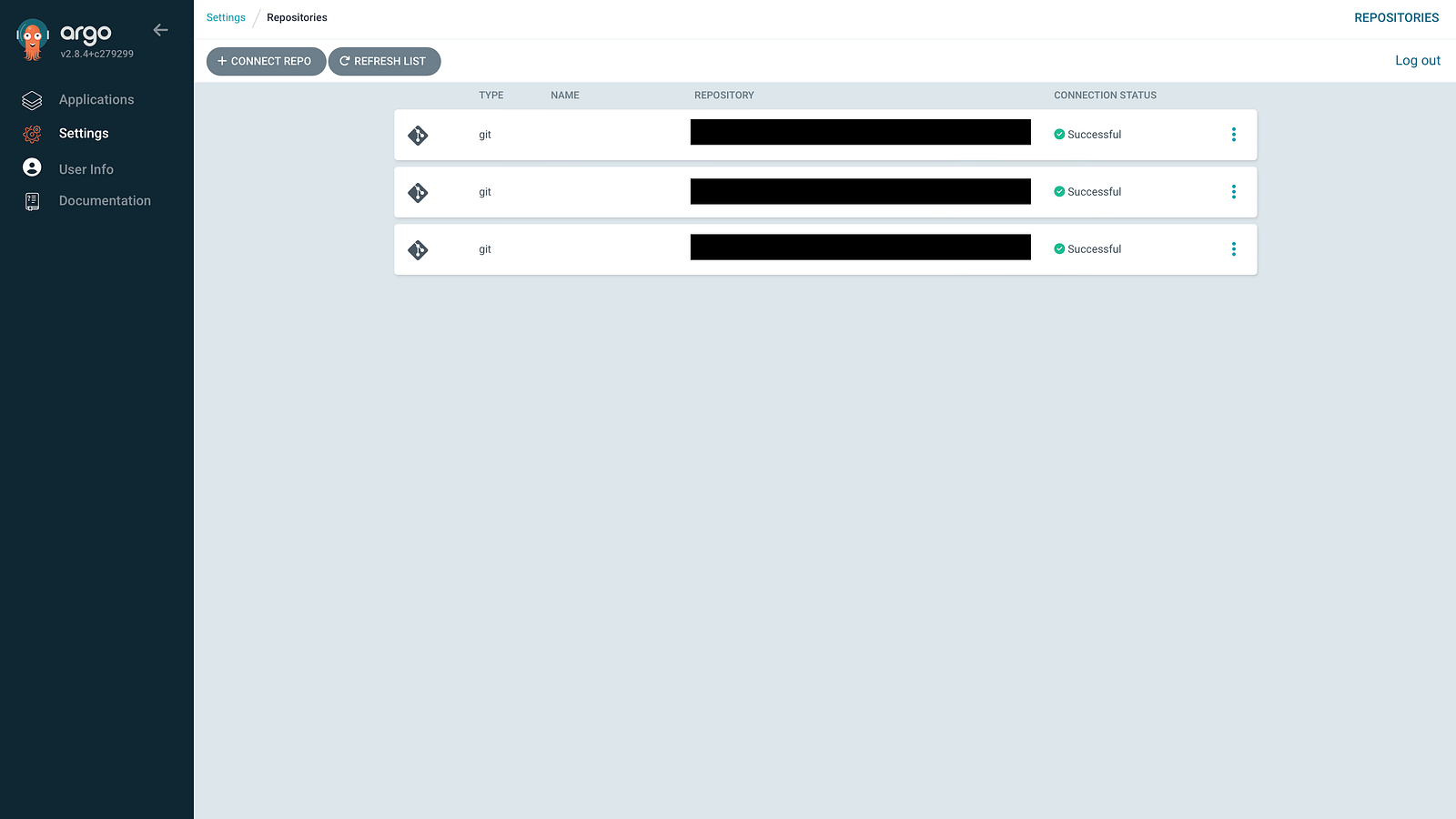
Notes: You also need to allow the default project(or other project you have created) to use this repository. You can configure this in Settings > Projects > default.
Currently, ArgoCD UI or CLI do not support Helm application with values.yaml in separate private Git repository. Therefore, we need to create a ArgoCD Application CRD to define the Jenkins deployment. Create a YAML file with following template and your own values.
apiVersion: argoproj.io/v1alpha1
kind: Application
metadata:
  name: jenkins
spec:
  destination:
    name: ''
    namespace: jenkins
    server: 'https://kubernetes.default.svc'
  sources:
    - path: ''
      repoURL: 'https://charts.jenkins.io'
      targetRevision: x
      chart: jenkins
      helm:
        valueFiles:
          - $values/values.yaml
    - repoURL: 'https://example.com/jenkins.git'
      targetRevision: main
      ref: values
  project: default
  syncPolicy:
    automated:
      prune: false
      selfHeal: false
    syncOptions:
      - CreateNamespace=true
spec.sources.[0].targetRevision: Jenkins Helm Chart version we are going to deploy.xmeans the latest version.spec.sources.[0].helm.valueFiles: path ofvalues.yamlin the Git repositoryspec.sources.[1].repoURL: your private Git repository URL storing thevalues.yamlspec.sources.[1].targetRevision: branch name storing the correct version ofvalues.yaml
Example of values.yaml
controller:
  serviceType: ClusterIP
Run the following command to create the ArgoCD application,
kubectl apply -f file_name -n argocd
From the UI, we can see a new application created and under synchronization.
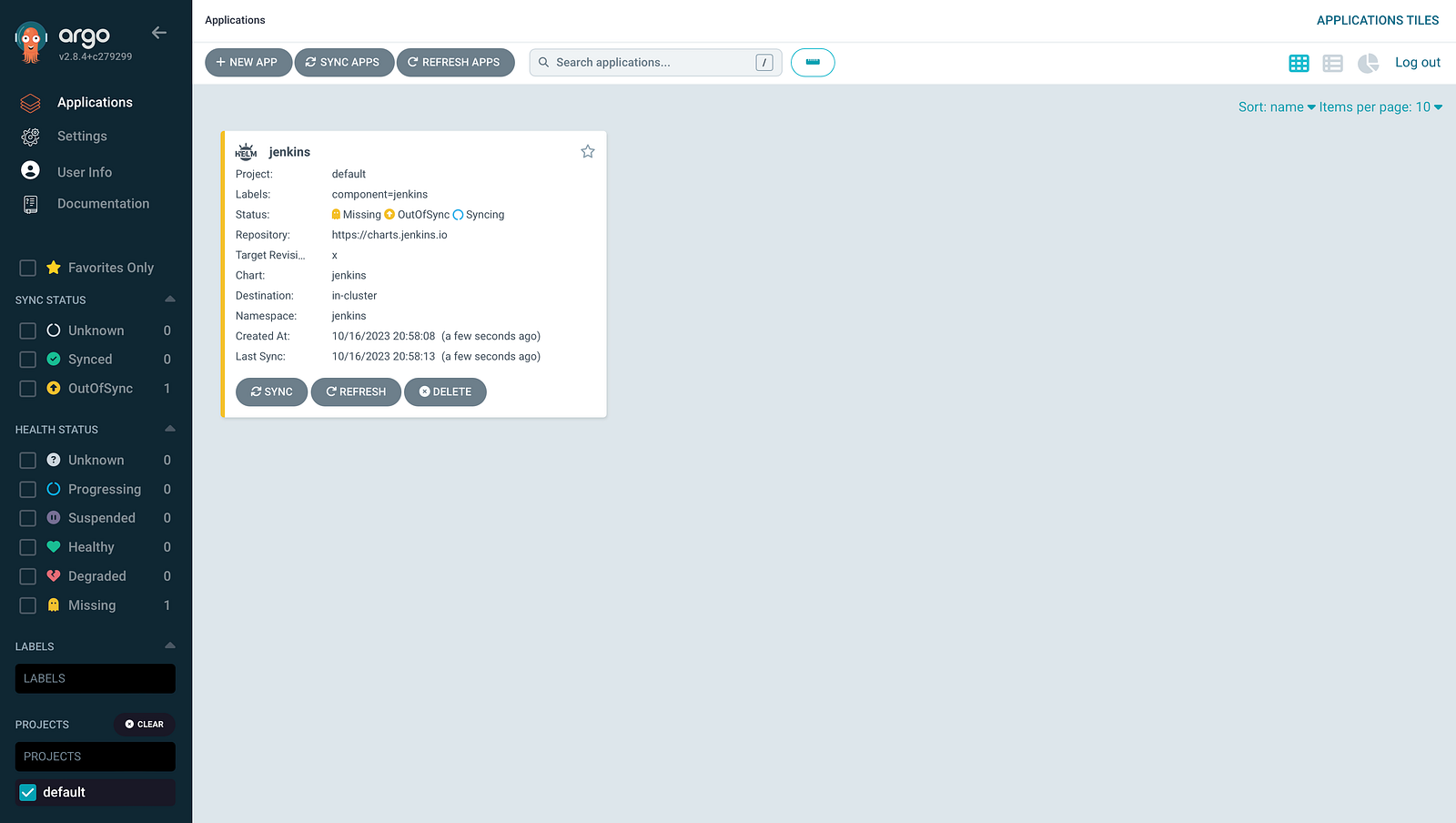
When a chart sync has completed, it will create the necessary resources on your cluster.
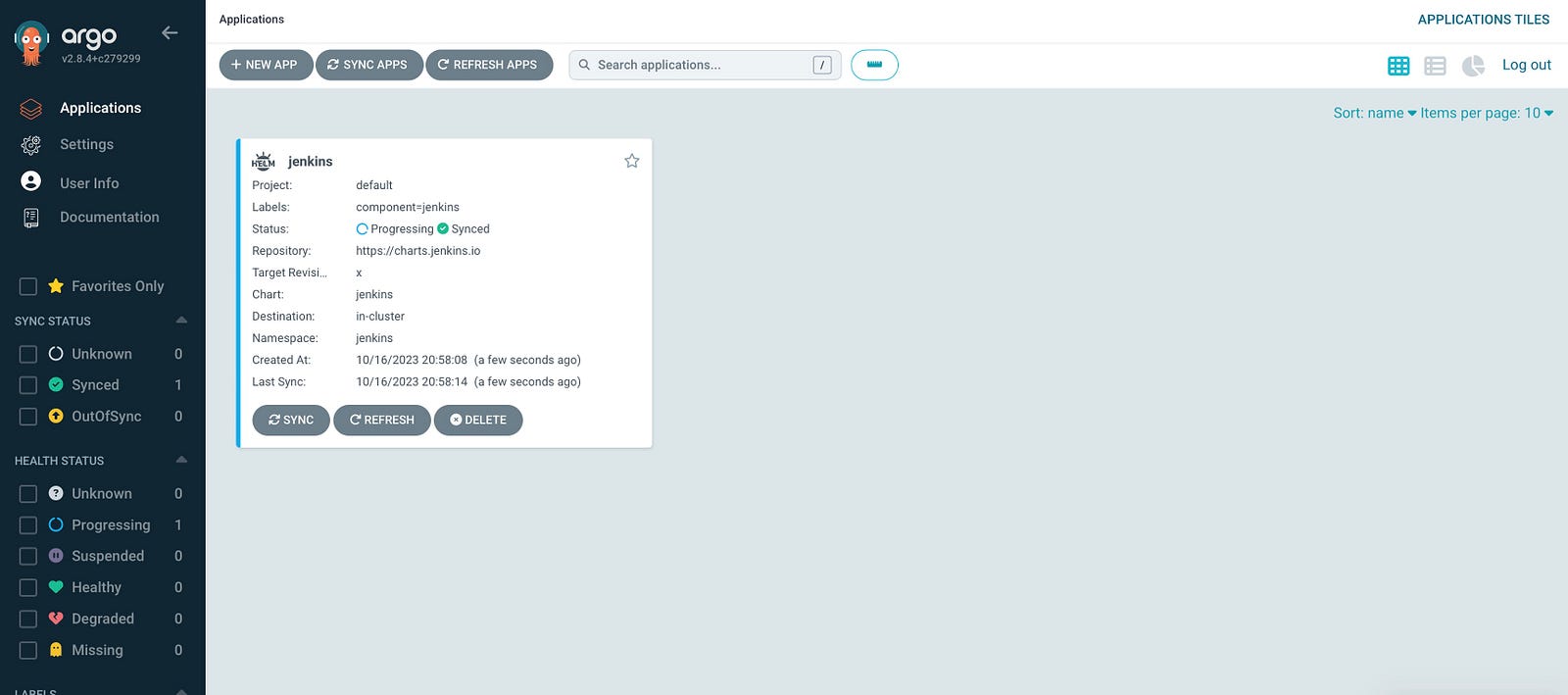
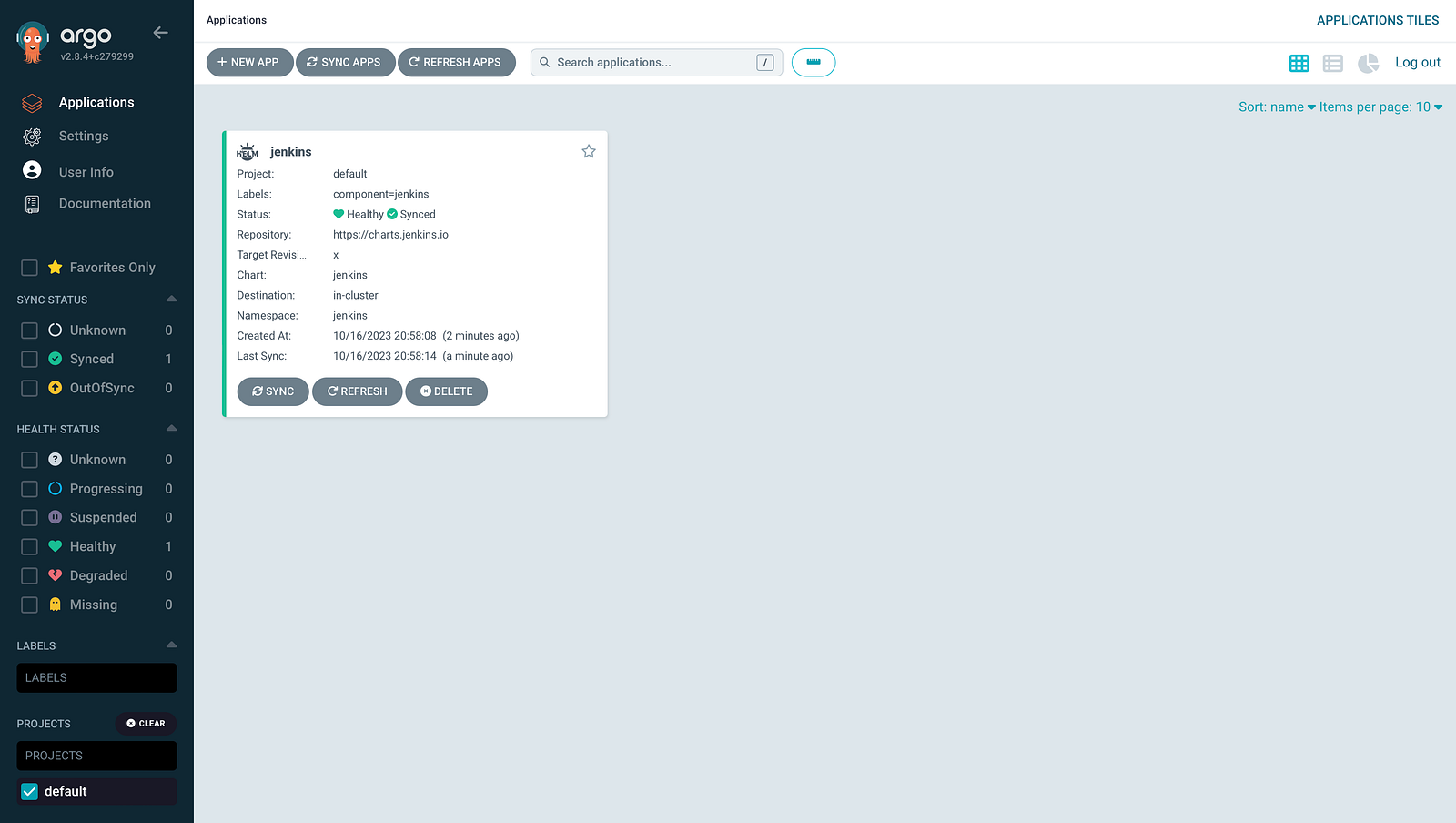
Now you can check the Jenkins resources by
kubectl get all -n jenkins

Auto synchronisation feature
Now ArgoCD has configured a new application tracking both public Jenkins Helm repository and private Git repository at the same time. Either a new version of Jenkins Helm Chart or a new change pushed to the values.yaml file, ArgoCD will pull the changes and maintain the application automatically.
You can try to update the values.yaml like below,
controller:
  serviceType: NodePort
Push the changes, wait and see the ArgoCD UI updated the Last Sync field. It usually takes around 3 minutes to trigger the sync.
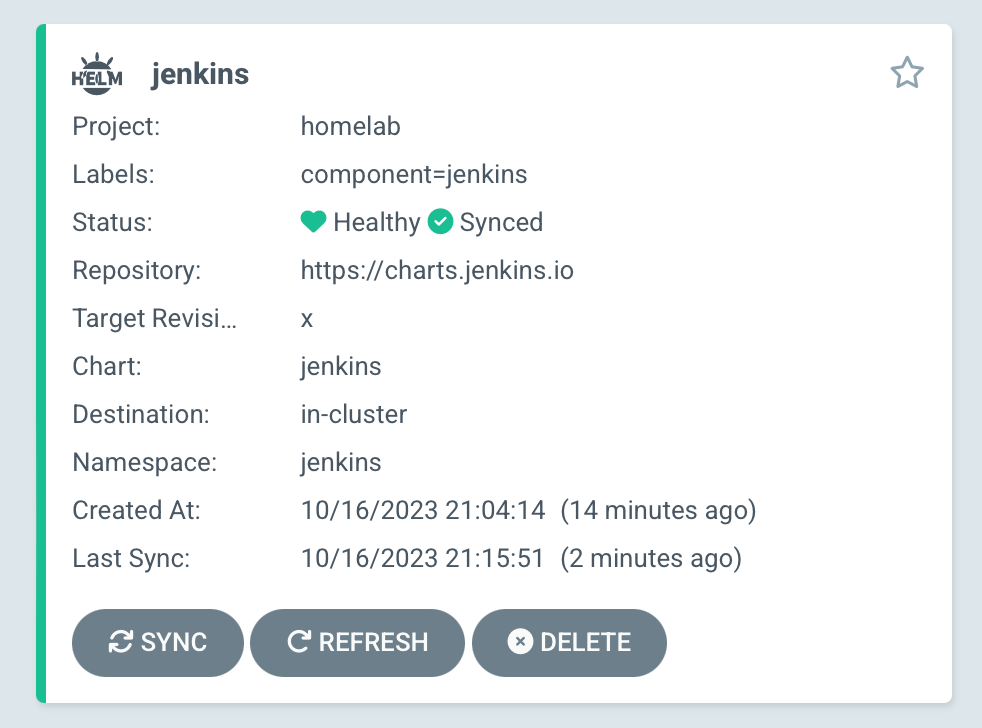
The type of jenkins service has also updated to NodePort

Now you can access the Jenkins server through http://localhost:[NodePort]