[2/2]Automate Terraform and Ansible execution by GitHub Actions
Last week, I have showcased creating a Nginx web server and exposing it to public by combination of Terraform and Ansibe. It is a common…
First published on Medium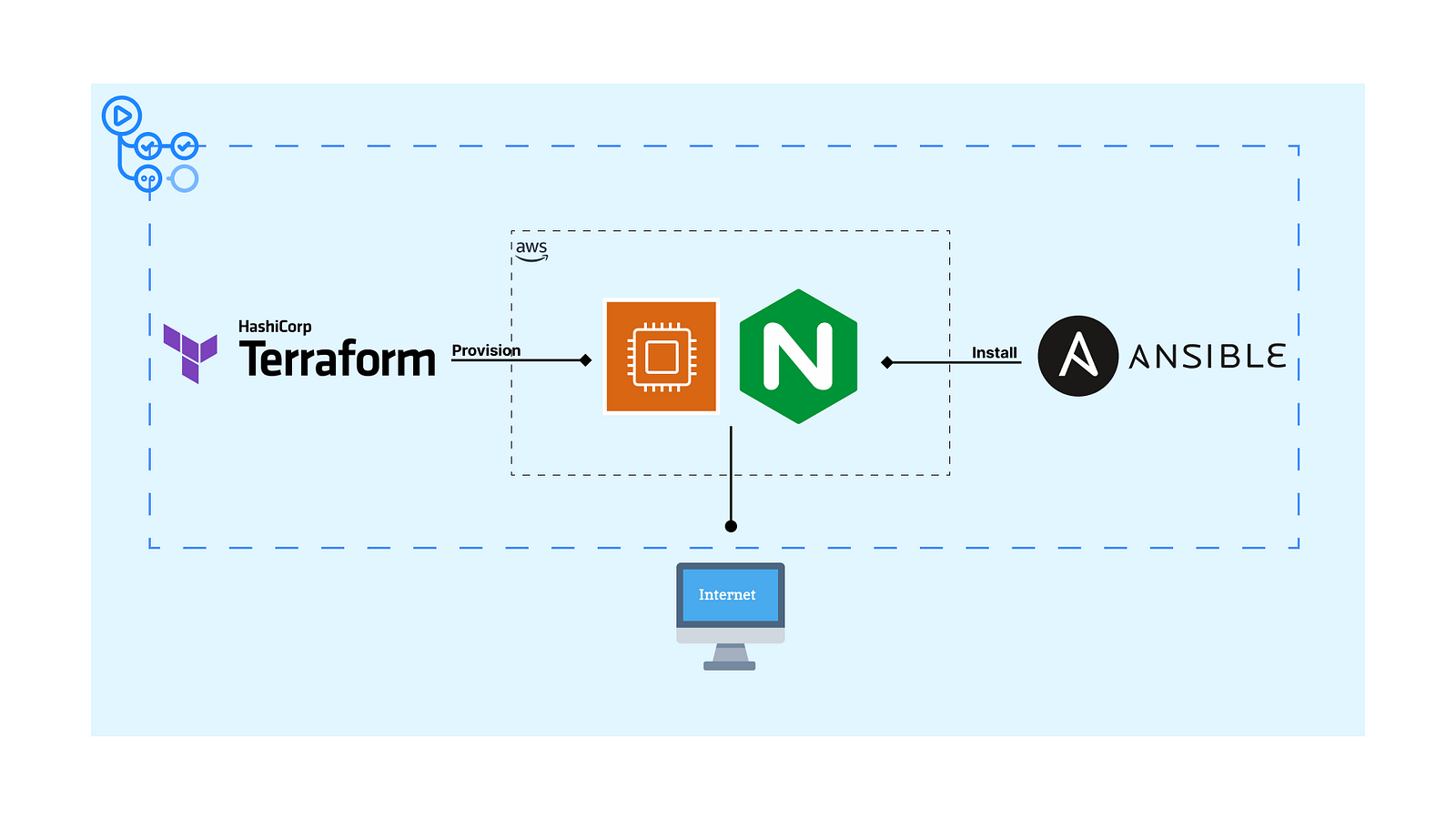
Last week, I have showcased creating a Nginx web server and exposing it to public by combination of Terraform and Ansibe. It is a common practise as Terraform is strong at resources provisioning while Ansible is on configuration management.
In this story, I will add following elements to make the whole solution more portable.
- Remote Terraform state on your AWS S3 bucket
- GitHub Actions workflows for creation and deletion
Demo GitHub repository
GitHub - yukccy/GitHub-actions-with-terraform-ansible: Using GitHub Actions to provision web server…Using GitHub Actions to provision web server with Terraform and Ansible - GitHub … github.comPlease fork this repository to your GitHub account.
Requirements
- A AWS S3 bucket with permission to upload Terraform state
- A pair of AWS IAM Access Key
- A pair of SSH key pair
For the SSH key pair, you can use the same pair created in the previous story.
Prepare repository secrets
Assume you have forked the demo repository.
In the workflows, it authenticates to AWS inside the GitHub runner container which Terraform can use the credentials for resources creation. For easier to reproduce, I chose to authenticate with AWS access key pair. It is not suggested way in aws-actions/configure-aws-credentials but it is the most easiest for tutorial.
Remember to deactivate and delete the key pair from AWS to prevent leakage.
Furthermore, Ansible authenticates to the EC2 instance through SSH. So, we need to provide a SSH key pair for Terraform during EC2 instance creation and Ansible for connection.
I disabled StrictHostKeyChecking during SSH connection which is not suggested in production environment.
Therefore, we need to provide above credentials to GitHub Actions. You can follow the images below.
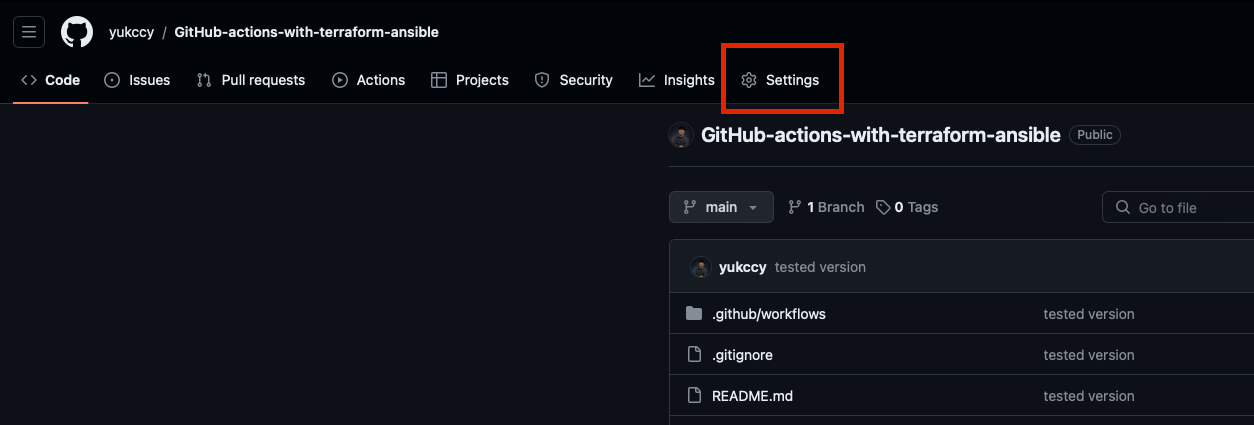
Go to Settings in your forked repository
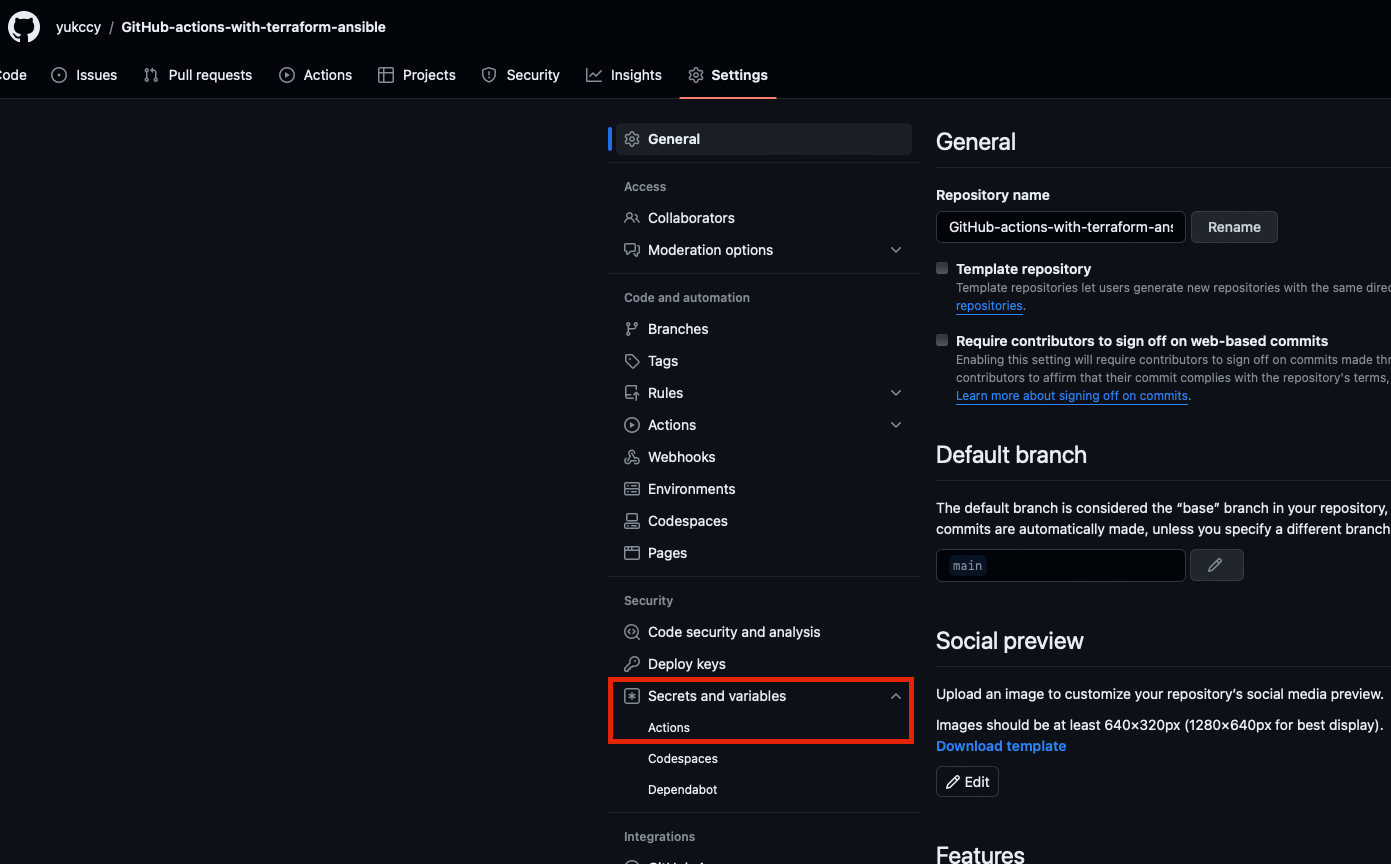
Secrets and variables > Actions
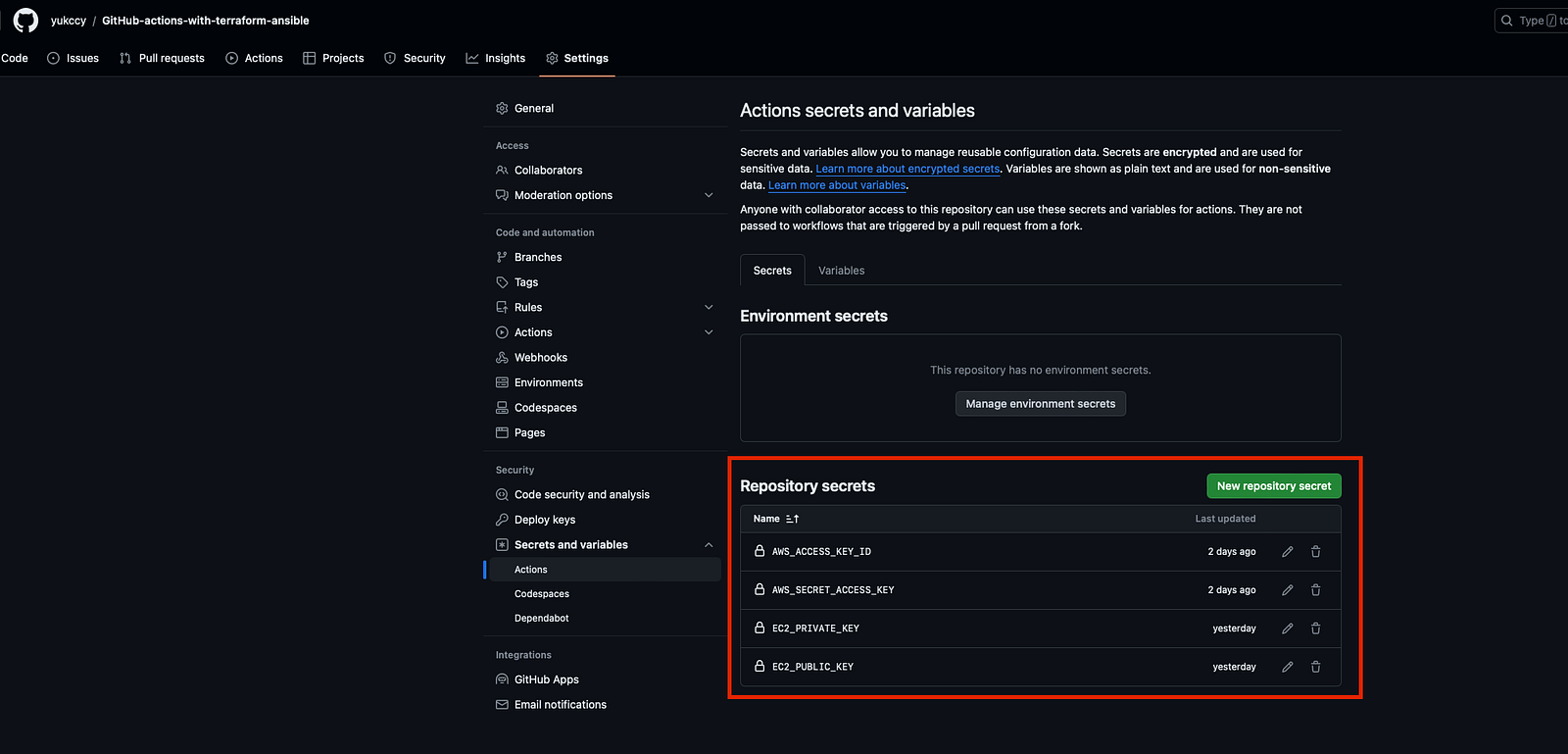
Add 4 repository secrets
AWS_ACCESS_KEY_ID is your AWS access key ID
AWS_SECRET_ACCESS_KEY is your AWS secret access key
EC2_PRIVATE_KEY is the private key of your SSH key pair
EC2_PUBLIC_KEY is your public key of your SSH key pair
Execution
Previously, we need to clone the repository, install Terraform and Ansible packages and run the command locally. But now, as we have integrated all steps with GitHub Actions, the execution becomes just one button.
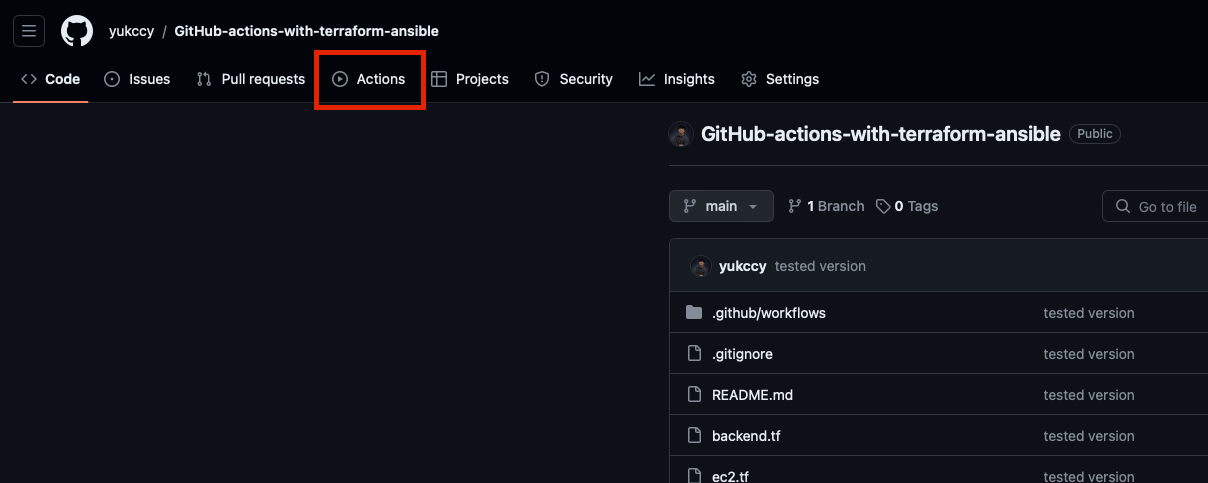
Go to Actions in your forked repository
To trigger creation workflow:
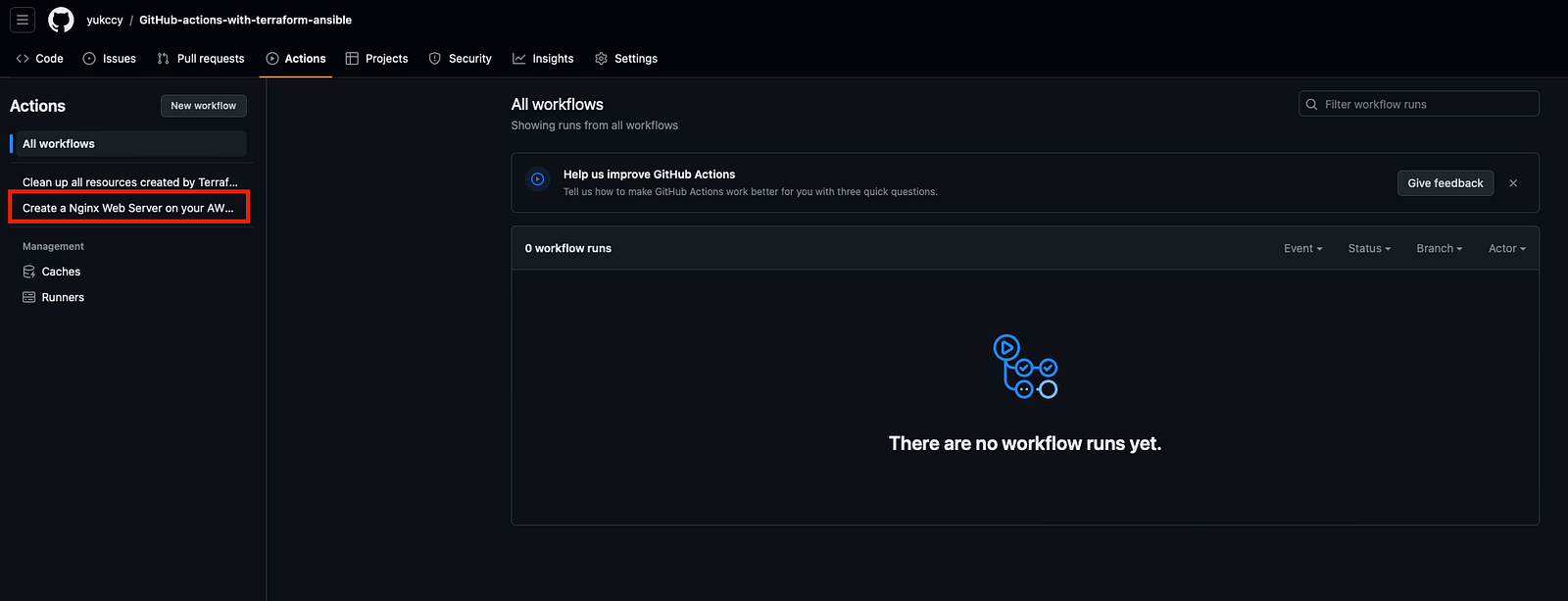
Choose “Create a Nginx Web Server on your AWS account”
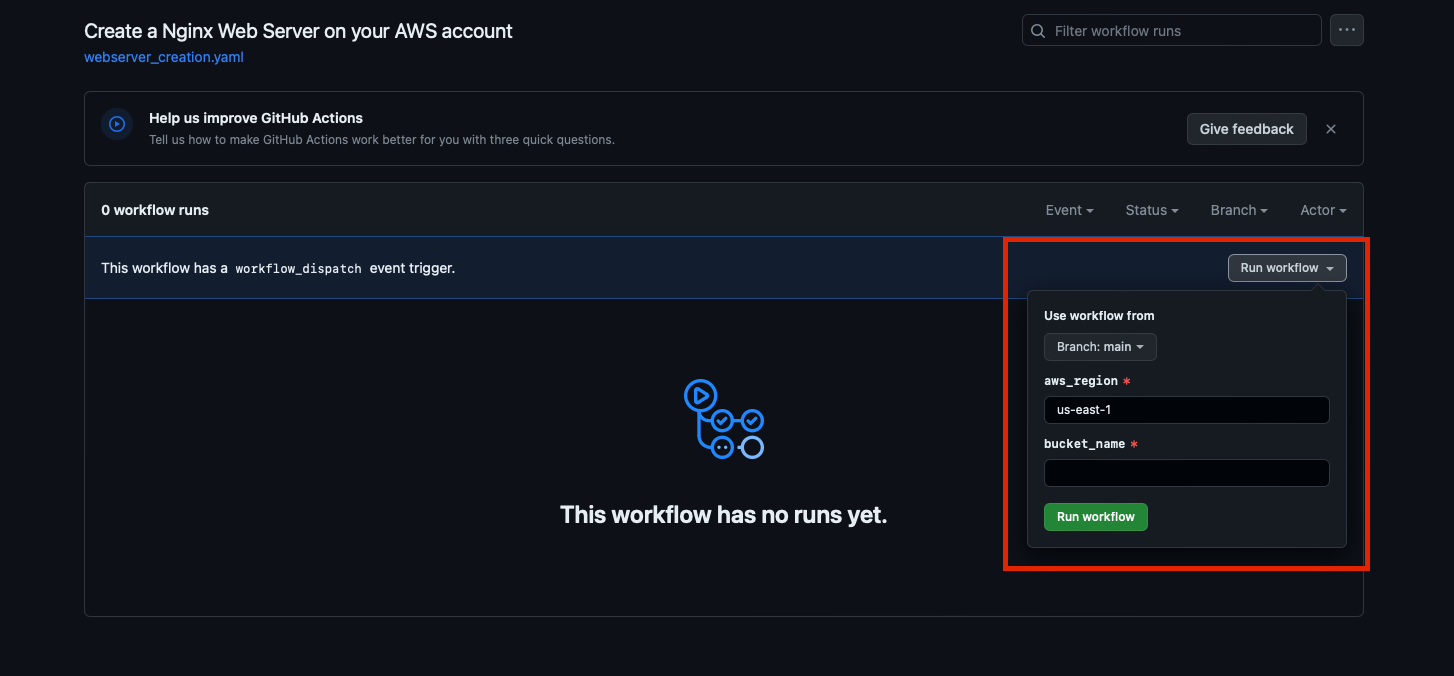
Fill the fields and click the “Run workflow”
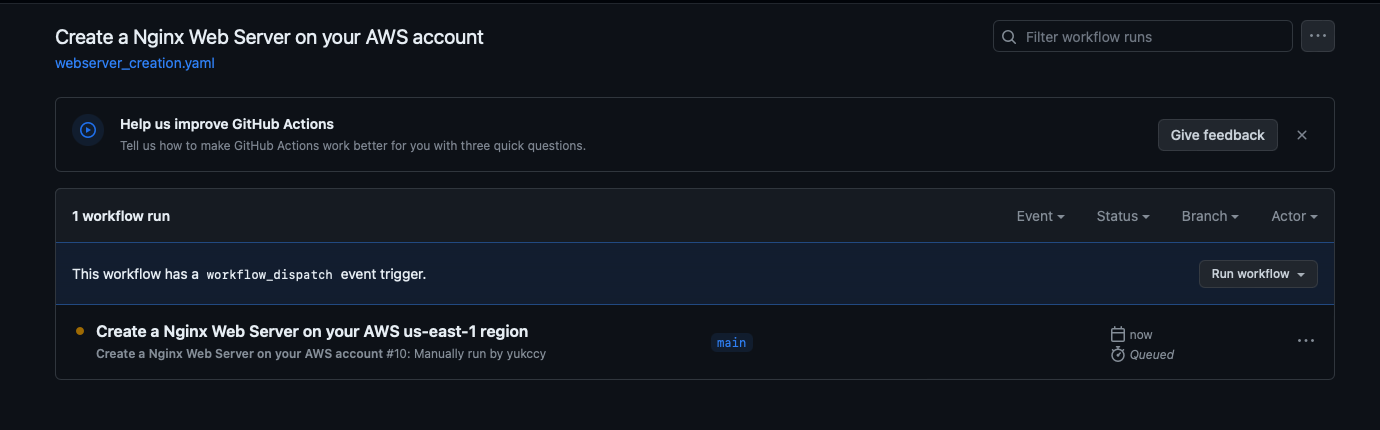
Creation workflow is running
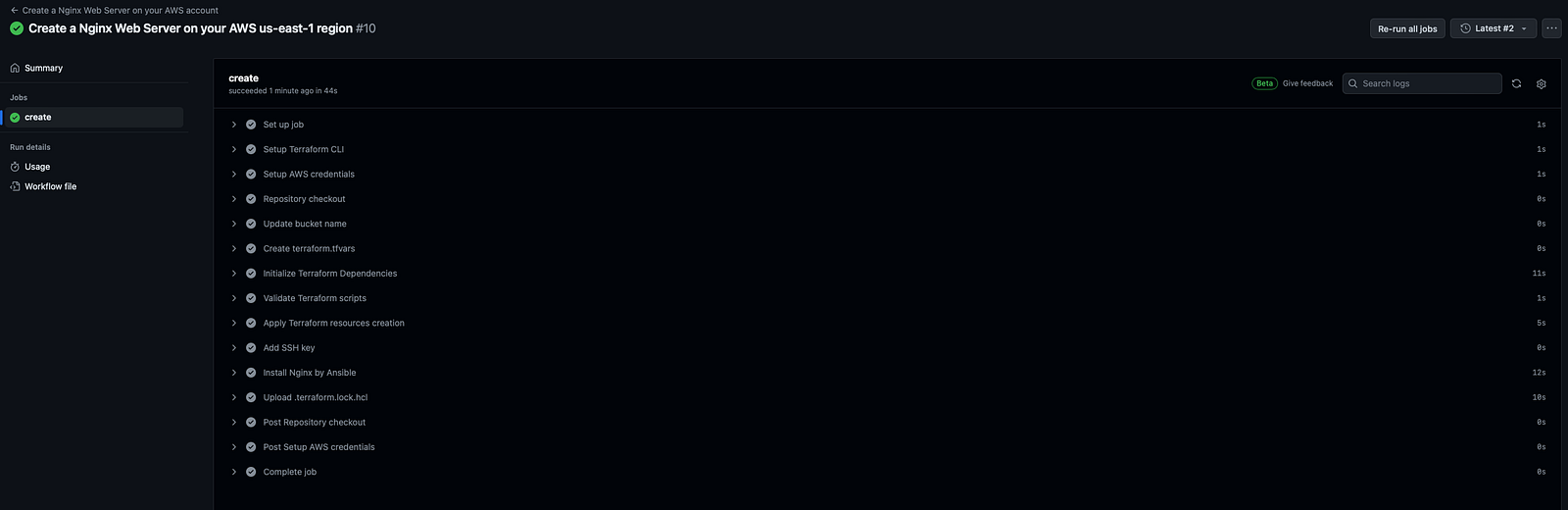
Creation completed
To trigger deletion workflow:
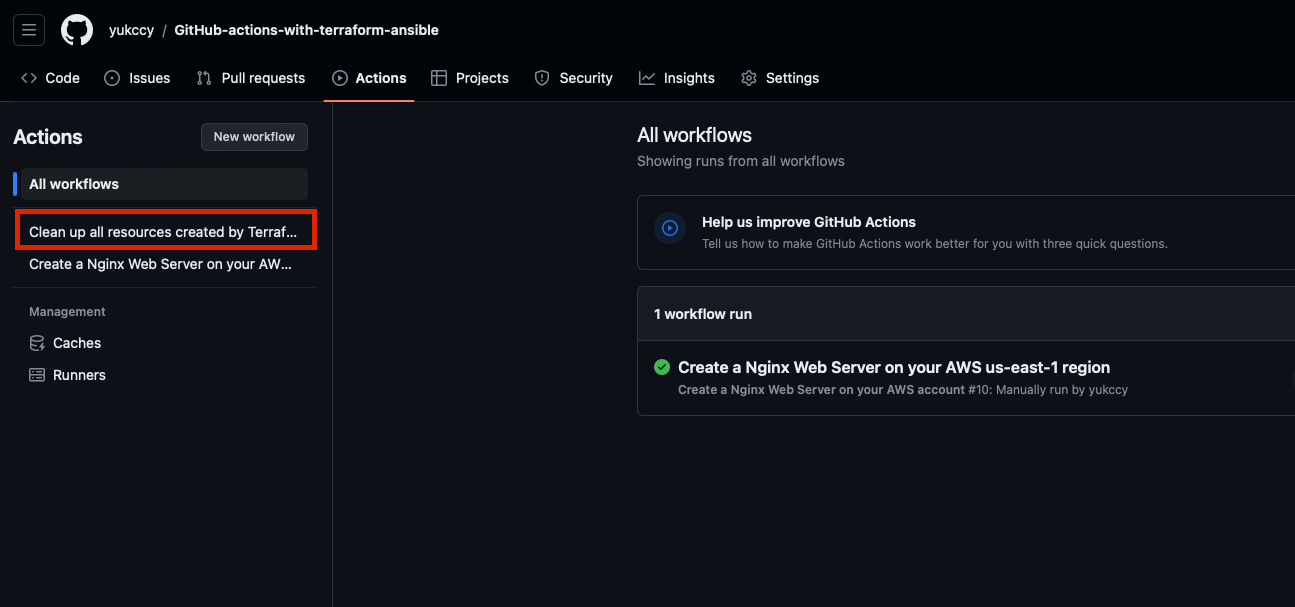
Choose “Clean up all resources created by Terraform and Ansible”
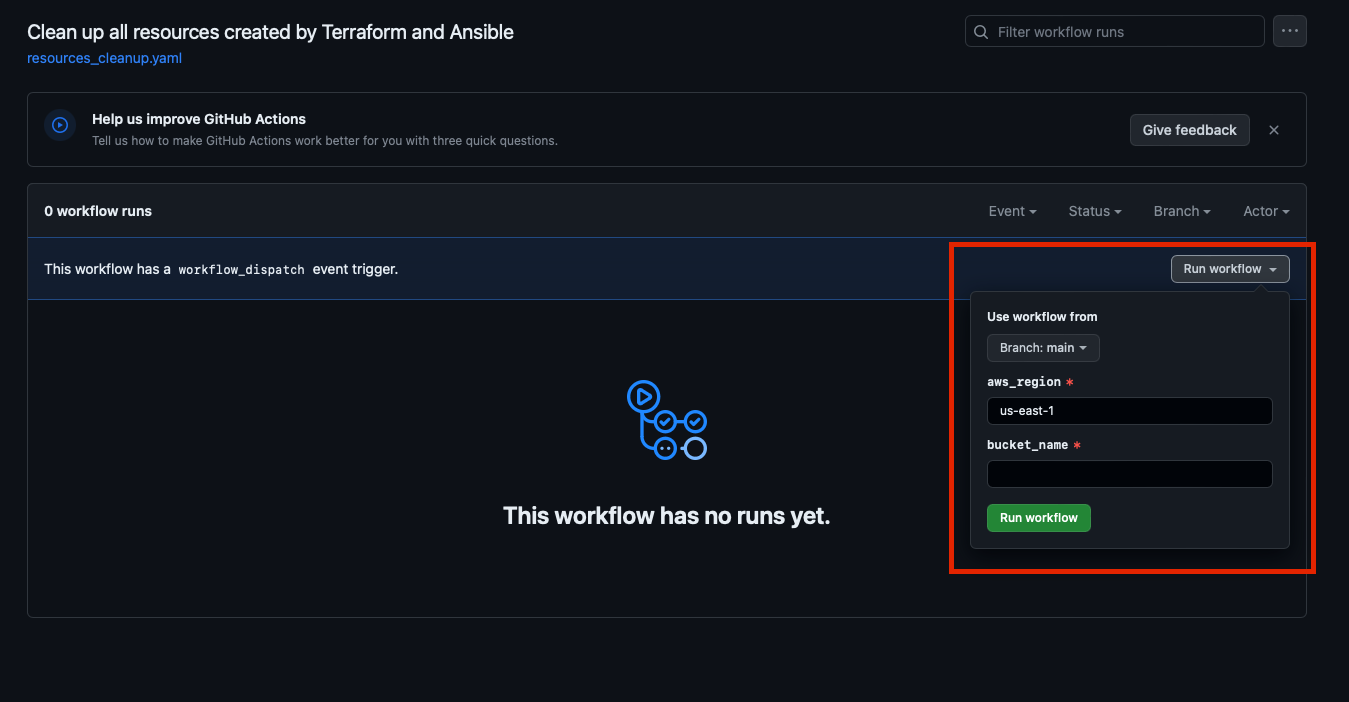
Fill the fields and click the “Run workflow”
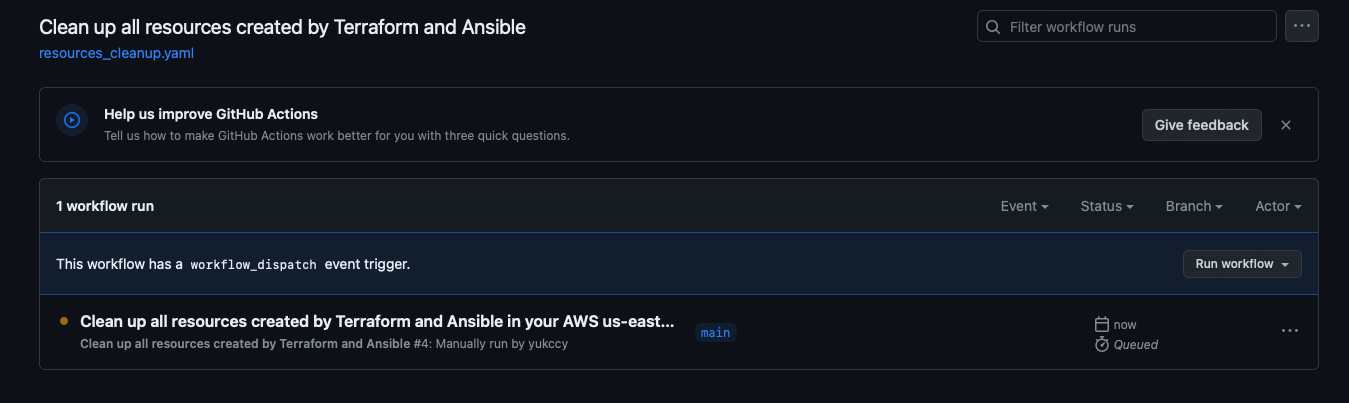
Deletion workflow is running
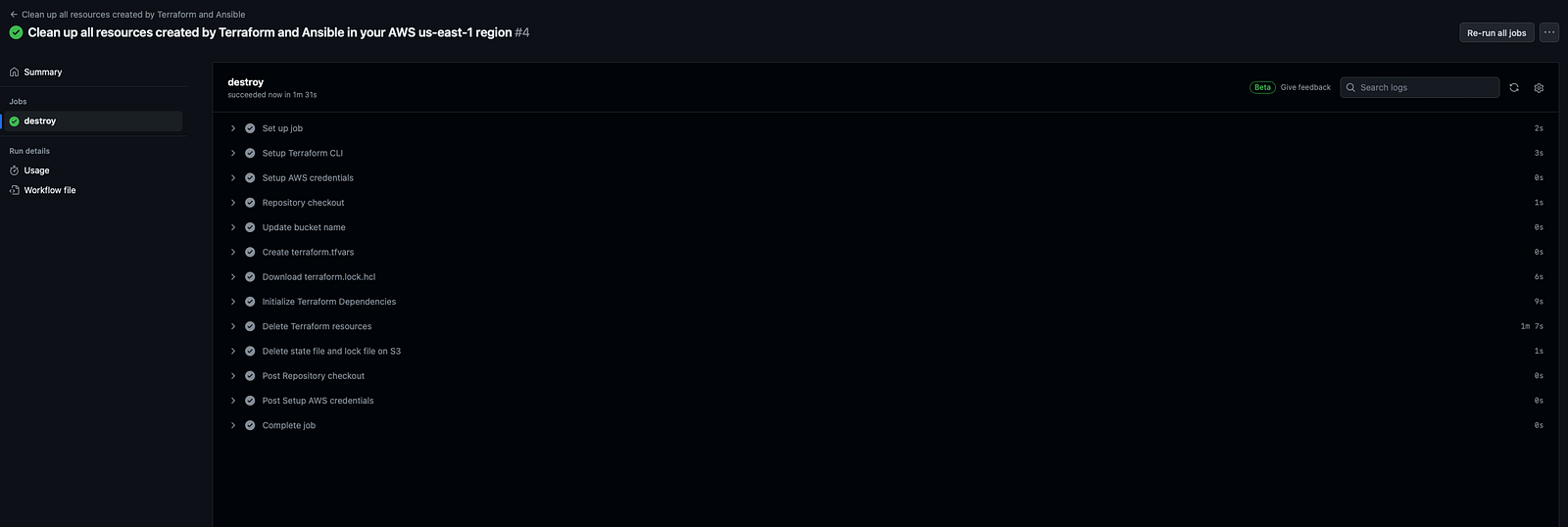
Deletion completed
Post execution
Make sure everything has been deleted on AWS console.